
Bird flying in slow motion looks otherworldly because it is. When you drop the playback speed, wings that were a blur suddenly become hinged, articulated structures doing something impossibly complex. If you want to capture that footage yourself, or just find a great slow-motion bird GIF, this guide walks you through everything, starting with why bird motion looks the way it does, then moving into gear, settings, framing, and finally how to turn a clip into a shareable GIF.
Bird Flying in Slow Motion: How to Capture and Make GIFs
Marcus Chen
16 Apr 2026
Why bird flight looks so different in slow motion
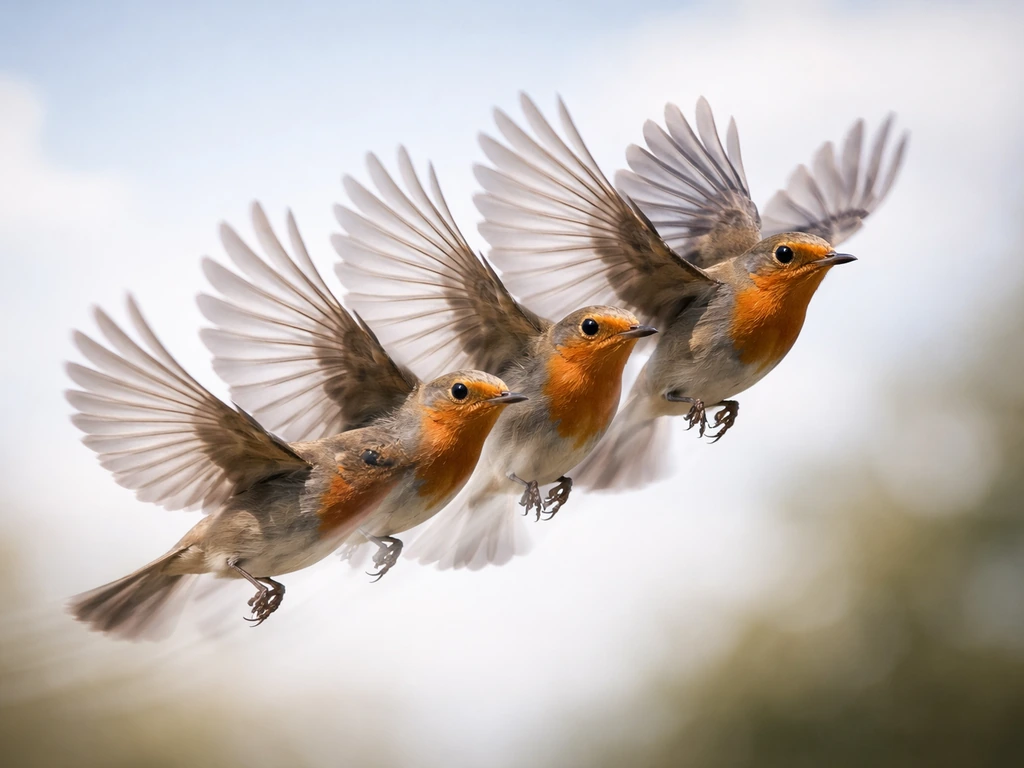
The short answer: most birds flap their wings far faster than your eye can resolve into distinct positions. A hummingbird beats its wings more than 50 times per second. The rufous hummingbird specifically has been measured at around 42 Hz under flight conditions. At normal video frame rates (24 to 30 fps), you get one frame for every one to two wingbeats at best, so the wing appears as a smeared ghost rather than a moving structure. High-speed video at 240 fps captures eight or more frames per wingbeat cycle, which is enough to reconstruct the full arc and show how the wing supinates on the upstroke to reduce drag.
Larger, slower-flapping birds are a different story. Barn swallows beat their wings roughly 5 to 9 times per second, meaning even modest slow-motion at 60 fps gives you six or more frames per flap. That is why swallow and heron footage can look almost sculptural even at mild slow-motion ratios, while hummingbird footage needs serious frame rates to look smooth rather than strobed. This is also why species choice matters enormously when you are planning a shoot.
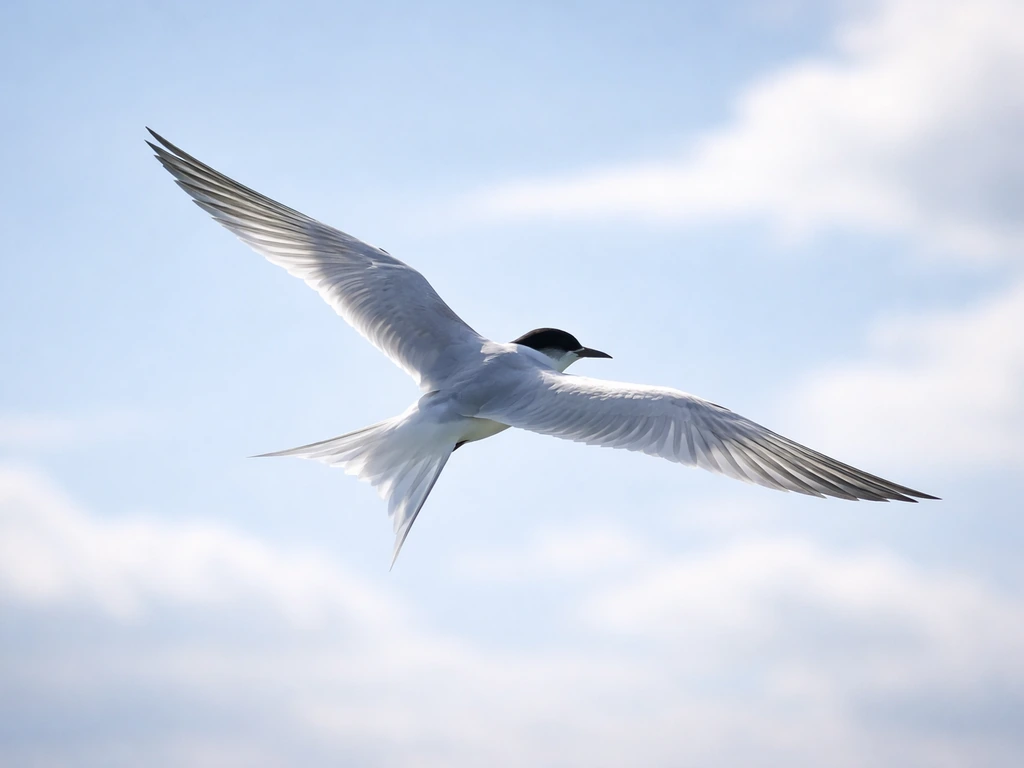
Beyond wingbeat frequency, body posture matters. A gliding bird, like a hawk riding a thermal, barely flaps at all. It holds its wings in a fixed swept position and adjusts subtle feather angles for control. In slow motion, a gliding bird looks almost meditative. A bird taking off is the opposite: maximum exertion, every muscle firing to generate lift from a standstill. Bird taking off in slow motion is one of the most dramatic things high-speed video can show you, precisely because that burst-phase wingbeat is so mechanically extreme. Understanding which phase of flight you are filming helps you predict what the footage will actually reveal.
Flight speed also changes wing kinematics. Research on budgerigars shows that as flight speed increases, wing-beat duration shortens, the number of flaps per unit time changes, and the bird spends a larger proportion of time in an undulating, bounds-and-flaps pattern rather than continuous flapping. In practical terms: a bird cruising at medium speed will look different in slow motion than the same bird accelerating or decelerating. If you want the most visually striking slow-motion wingbeat, catch the bird at low to medium cruise speed, not flat-out sprinting.
How to capture slow-motion bird flight today
What gear you actually need
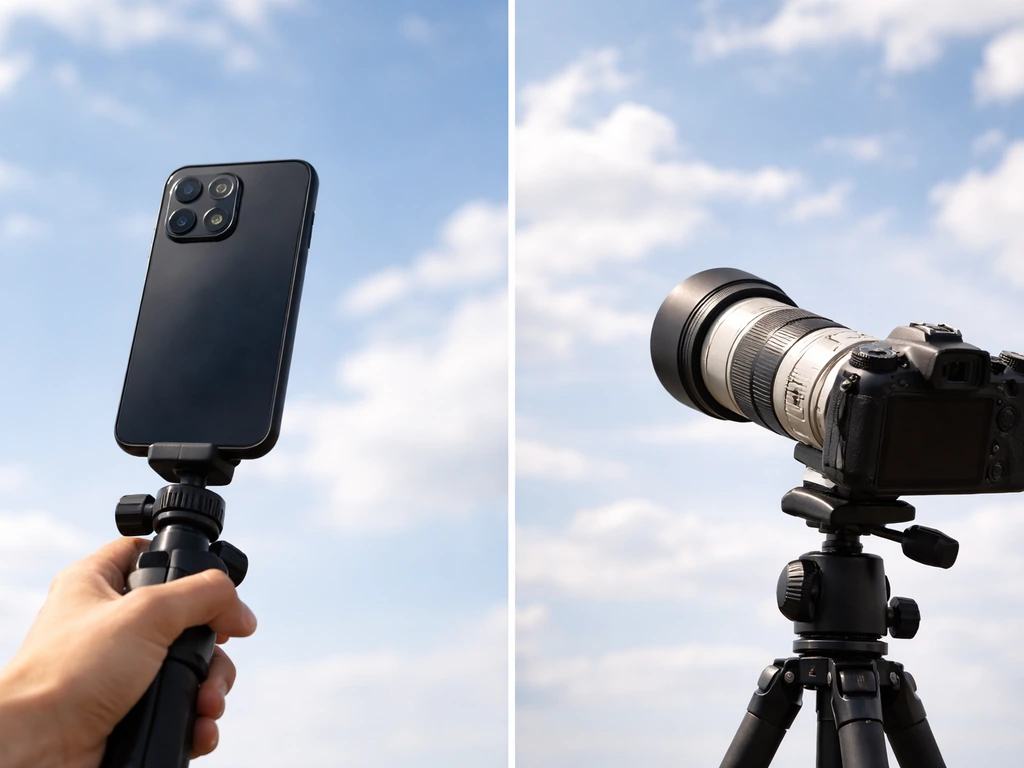
You do not need a $10,000 high-speed camera to get usable results. A modern iPhone records 1080p at 240 fps in Slo-mo mode using the rear camera, and 120 fps on the front camera. Android devices using the high-speed video path can capture 240 fps and save it at 30 fps, giving you 1/8x playback speed natively. That is genuinely good for barn swallows, pigeons, ducks, and medium-speed fliers. For hummingbirds, 240 fps is the minimum you want, and 480 fps or higher is better if your camera supports it.
A dedicated mirrorless or DSLR camera with a 100-400mm or 150-600mm zoom lens gives you reach and autofocus speed that a phone simply cannot match. Cameras like the Sony A9 series or Canon R-series bodies offer continuous shooting at 20-30 fps for stills, and many also offer high-speed video modes at 120 fps in 4K or 1080p at 240 fps. The reach matters because birds are small and rarely cooperative about flying close to you.
Where to set up
Bird feeders with hummingbirds, waterfowl launch points, and known flight corridors (cliff edges where raptors soar, river bends where herons commute) are all reliable spots. The key is predictable flight paths. If you can guess where the bird will be in two seconds, your autofocus and framing have a fighting chance. Parks with ponds, coastal wetlands at dusk, and well-stocked backyard feeders are all good starting points.
Best settings for sharp slow-motion wingbeats
This is where most people run into trouble. Slow-motion recording demands light, because you are exposing each frame for a much shorter time than normal video. The relationship is straightforward: at 120 fps with a 180-degree shutter angle, your exposure per frame is 1/240 second. At 240 fps it is 1/480 second. Compare that to normal 24 fps shooting at 1/50 second, and you can see why shooting in dim light at 240 fps produces dark, noisy footage. You need bright outdoor light, ideally midday or late-morning sun, to keep ISO manageable.
| Frame Rate | Shutter Speed (180° rule) | Slow-down Factor (vs 30fps playback) | Practical Use |
|---|---|---|---|
| 60 fps | 1/120 s | 2x | Large birds, herons, eagles gliding |
| 120 fps | 1/240 s | 4x | Swallows, pigeons, medium fliers |
| 240 fps | 1/480 s | 8x | Hummingbirds, fast songbirds |
| 480 fps | 1/960 s | 16x | Hummingbird wing detail, insect-like speeds |
For shutter speed, the same principle that applies to bird-flight photography applies here: somewhere in the range of 1/1600 to 1/4000 second is the practical window for freezing wingbeats sharply. A commonly used default is around 1/3200 second. At high frame rates, your shutter is already short by default, so you are mostly managing light quantity rather than motion blur in the individual frames.
Aperture choices involve a tradeoff. Stopping down to f/5.6 or f/8 gives you more depth of field, which is important because a bird in flight changes distance from you constantly and even a slightly out-of-focus head ruins a shot. But stopping down costs you light. On a bright day this is manageable. On overcast days or in shade, you will likely need to open up to f/4 or wider and accept a shallower focal plane. Prioritize keeping the bird's head and leading wing edge sharp over everything else.
One technical issue worth knowing about: rolling shutter. Most consumer cameras and phones read out the sensor line by line rather than all at once. When a bird moves fast across the frame, or you pan quickly to track it, this can cause skewed, jello-like distortion in the image. The fix is to reduce your pan speed and let the bird move through the frame rather than chasing it frantically, and to use cameras or modes that offer faster sensor readout where possible.
How to frame, focus, and predict bird motion
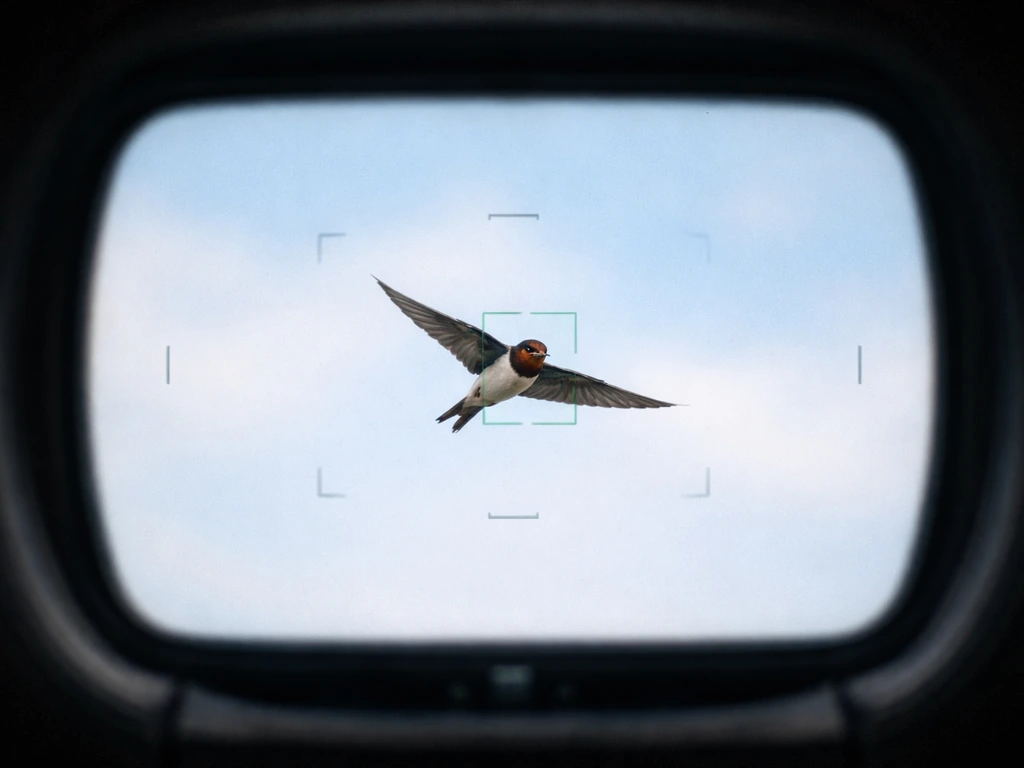
Autofocus is your most critical variable. A camera that hunts for focus while the bird is in frame produces footage that is unwatchable, with constant soft-to-sharp oscillations that are worse than just missing focus entirely. Before you start, set a focus limiter. Most modern lenses have a switch that restricts the autofocus range, for example mid-range to infinity, which prevents the AF system from diving toward minimum focus distance the moment it loses the bird for a frame. This one change dramatically reduces focus-hunting failures.
Pre-focus to a distance within the range you expect the bird to appear. If you know a hummingbird is going to approach a feeder at roughly three meters, set your focus to three meters and let the AF lock on from there rather than hunting from infinity. This is the same principle professional bird photographers use: get the camera in the ballpark before the action starts so that autofocus is confirming position rather than searching cold.
Tracking sensitivity settings matter too. For bird-flight work, reduce tracking sensitivity slightly (settings like -2 on systems that use that scale) so the camera does not immediately drop the bird if a branch or background element passes through the frame momentarily. Pair this with higher acceleration/deceleration tracking (+2) so the system can handle sudden directional changes. Set AF point auto-switching to maximum so the subject can move across the frame without the camera getting confused about which zone to prioritize.
For framing, leave more space in the frame than feels natural. Birds move fast and unpredictably, and a tightly framed shot becomes an out-of-frame shot within half a second. Shoot wider than you think you need, then crop in post if necessary. This is especially true when you are watching bird flapping wings in slow motion, where the full arc of the wingbeat often extends well beyond the body and you want to capture the whole stroke.
Timing is partly practice and partly positioning. Learn the behavioral cues that precede takeoff: a bird that is about to launch will often crouch slightly, orient into the wind, and shift its weight forward. Waterbirds run across the surface before lifting. Raptors drop from a perch before flapping. Recognizing these micro-behaviors gives you a half-second of warning, which is enough to start rolling before the action peaks. The best bird flight in slow motion footage almost always comes from someone who spent time watching behavior before they started shooting.
Some birds appear nearly stationary mid-flight due to hovering or wind-assisted soaring. If you have ever seen footage that looks like a bird stuck in mid-air, it is usually a kestrel or similar species hovering into a headwind, holding position while scanning for prey below. These birds are far easier to film in slow motion because they stay in one place, and the wing motion at low airspeed is rich and expressive.
Turning your footage into a bird flying slow motion GIF
GIFs have a fundamental technical constraint that trips up most people: the format supports only 256 colors per frame. Convert a video to GIF naively and you get visible banding, grain, and color degradation, especially in sky backgrounds where subtle gradients need more than 256 steps to look smooth. The solution is a two-pass color palette approach, and the most reliable free tool for this is FFmpeg.
The two-pass FFmpeg workflow generates an optimized color palette from your specific clip, then applies that palette when encoding the GIF. This produces significantly better results than any single-pass conversion because the palette is tuned to the actual colors in your footage rather than a generic set. The commands look like this:
- Pass 1 (generate palette): ffmpeg -i input.mp4 -vf "fps=15,scale=640:-1:flags=lanczos,palettegen" palette.png
- Pass 2 (encode GIF with palette): ffmpeg -i input.mp4 -i palette.png -vf "fps=15,scale=640:-1:flags=lanczos,paletteuse" output.gif
A few practical numbers: keep your GIF under 10 seconds of footage (shorter is better), target a width of 480 to 640 pixels, and use 15 fps for the GIF output rather than the full 240 fps of your source file. Running a 240 fps slow-motion clip at 15 fps GIF output still preserves the slow-motion effect because the clip was captured at high speed; you are not losing the effect, just reducing file size. The dithering option in the paletteuse step controls how the encoder handles colors outside the 256-color palette; "floyd_steinberg" dithering usually gives the most natural look for photographic content.
For clip selection, choose a two to four second window where the bird is centered, well-lit, and the wingbeat completes at least one full cycle. A complete wingbeat from downstroke through upstroke and back is what makes slow-motion bird GIFs satisfying to watch, because it loops naturally. Slow motion bird landing sequences are especially good for GIFs because the bird decelerates into frame and the wing flaring on approach is visually dramatic and loops reasonably cleanly.
If you want to avoid the command line entirely, tools like Photoshop (File > Export > Save for Web) and online converters like Ezgif.com let you upload a video clip and control frame rate, output size, and dithering through a browser interface. The quality ceiling is lower than a proper FFmpeg two-pass workflow, but for sharing on social media it is usually good enough.
Finding slow-motion bird GIFs and footage without shooting your own
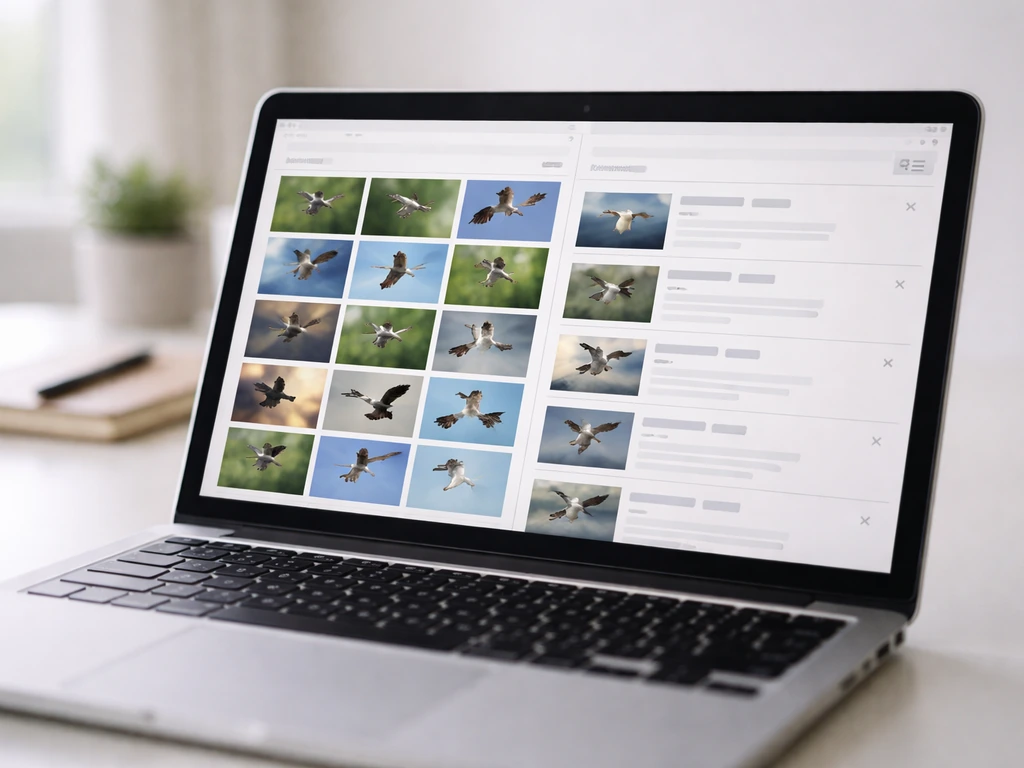
If you just need a great bird-flight GIF today and do not want to spend an afternoon at a pond with a camera, there are several reliable sources. GIPHY has a searchable library of slow-motion bird content; search terms like "bird slow motion," "hummingbird wings," and "eagle slow motion" surface a range of quality. Tenor is another strong option specifically for wingbeat-style clips, with a dedicated section of hummingbird slow-motion GIFs that includes both professionally shot footage and community-shared clips. Quality varies, so look for clips where the background is relatively simple (plain sky or soft foliage) and the bird fills at least a third of the frame.
For higher-quality source footage, the Macaulay Library at the Cornell Lab of Ornithology is the gold standard. It holds hundreds of thousands of verified bird videos, many shot by skilled naturalists, and some include genuinely excellent slow-motion sequences. Searching their archive for specific species plus "slow motion" often turns up footage that is scientifically documented and far more authentic than random social media reposts.
The All About Birds site curates selections from this archive, and their best-bird-videos collections are a good starting point for finding species you are interested in. There is also guidance worth knowing: authentic slow-motion footage should be captured at high frame rates, not created by artificially slowing down a normal 30 fps clip in editing, which produces a choppy, interpolated look rather than genuine motion.
YouTube is underrated for this. Searching "hummingbird slow motion 240fps" or "barn swallow flight slow motion" pulls up clips from wildlife documentaries, independent naturalists, and university research labs. The BBC and Smithsonian channels in particular have produced broadcast-quality footage of raptors, seabirds, and hummingbirds at very high frame rates. These are not downloadable as GIFs directly, but you can use a screen recorder or a browser extension to capture a short clip, then run it through the FFmpeg workflow above.
Dedicated resources like slow-mo bird flying compilations on wildlife and birding sites are also worth bookmarking. They often collect the best publicly available high-speed footage by species, which saves you the search time and gives you a curated starting point rather than sifting through hundreds of low-quality clips.
Quick-reference checklist before you shoot
- Set frame rate to 240 fps (or highest available) before leaving home, not in the field
- Enable focus limiter (mid-range to infinity) to prevent autofocus from hunting
- Pre-focus to expected distance so AF is confirming, not searching
- Use tracking sensitivity -2 and acceleration tracking +2 if your camera supports it
- Shoot in bright, direct sunlight to maintain exposure at high frame rates
- Target shutter speed around 1/3200 s, aperture f/5.6 to f/8 in good light
- Frame wider than you think you need and crop later
- Choose a location where you know the flight path in advance
- Watch for pre-launch behavioral cues before pressing record
- For GIF export: use FFmpeg two-pass palette workflow, output at 15 fps, 480-640px wide, under 10 seconds
FAQ
Can I just shoot normal video and slow it down later to get a “bird flying in slow motion” look?
You can, but it often looks choppy. Real slow-motion from high frame-rate capture creates extra real frames, while editing-based slowdowns usually interpolate between existing frames, which can break fine wing structure and timing. If you want smooth wing arcs, capture at 120 fps or higher when possible.
Why does my slow-motion footage look sharp but the GIF looks rough or grainy?
GIFs compress colors aggressively (256-color limit) and also depend on a good palette for your specific clip. If you used a one-pass converter, you will likely see banding and noise. Use a two-pass palette workflow (as described in the article) and keep the GIF short to reduce artifacts.
What frame rate should I export to a GIF if my source is 120 fps instead of 240 fps?
A common approach is still to target around 10 to 15 fps for the GIF output, but start from the source you captured. For 120 fps source, consider using the closest supported output step in your tool (for example 12 fps or 15 fps) to maintain the slow-motion feel without making the GIF too heavy or too jumpy.
How do I prevent the wings from blurring when I use a short shutter?
A short shutter helps freeze motion, but it also reduces light. If the ISO climbs too high or the camera applies aggressive noise reduction, fine wing edges can turn soft. In practice, aim for the shutter range the article mentions while keeping ISO as low as you can, even if it means waiting for brighter light.
My bird is in focus for a moment, then it keeps refocusing. How can I stop that?
Use a focus limiter so the lens cannot dive to near focus when the bird briefly moves behind branches or out of the autofocus zone. Also pre-focus to an expected distance before the bird arrives and reduce tracking sensitivity so brief background interruptions do not trigger a full focus reset.
What should I do if my GIF loop looks wrong, like the wings jump at the seam?
Pick a segment where the wingbeat ends in a similar wing position to where it starts. The article suggests selecting a window with a full wingbeat cycle, and that is the key for clean loops. If the loop still jumps, shorten the clip to start and end closer to the same phase of the cycle.
Is it better to use a wide frame and crop later, or get closer for bigger wings?
Wide framing is usually safer because birds change position quickly, and out-of-frame kills the shot. Once you have usable footage, crop in post to enlarge the bird. If you are cropping heavily, also check that you still have enough resolution after cropping, since GIF export downsizes the image.
Why does rolling shutter show up more when I pan to track the bird?
Fast panning increases the speed of image content across the sensor, which exaggerates line-by-line readout skew. Slow down your pan, keep tracking smoother, and avoid over-tight framing where you constantly make large directional corrections.
What lighting conditions work best for bird flying in slow motion, and what should I avoid?
Bright, direct outdoor light is ideal because high frame rates require very short per-frame exposure. Avoid dim shade and overcast twilight when your camera would need a high ISO. If the bird is in partial shadow, reposition yourself to put the subject in full light or wait for a brighter window.
How do I choose between shooting a glider, a hoverer, or a takeoff for GIFs?
For GIFs, hovering and gliding can be forgiving because the bird often stays nearer a consistent position, giving autofocus an easier job. Takeoff is dramatic but fast, so you need earlier rolling and very reliable tracking. If you are new, start with hover or gliding sequences, then move to takeoff once your autofocus behavior is stable.
Can I film through glass at a window or blind and still get good slow-motion wing detail?
It is risky. Window reflections, slight blur from imperfect glass, and autofocus confusion from glare can ruin wing-edge sharpness. If you must shoot through glass, use an angle that minimizes reflections, disable features like image stabilization if they cause wobble, and monitor focus at 100% playback before capturing the full wingbeat.
What’s a quick way to check whether my slow-motion clip is “GIF-ready” before converting?
Play back a short portion at full resolution and confirm three things: at least one complete wingbeat cycle appears with the bird centered, the bird’s head and leading wing edge stay sharp, and the background is not cluttered with high-contrast objects that will complicate both autofocus and palette generation.
Next Articles
Bird Has Flown Meaning: Definition and How to Respond
Understand the bird has flown meaning, when it’s used, and how to reply with examples for real-life conversations.
Prefix Meaning Flight or Bird: Definition and Examples
Learn the flight or bird prefix meaning, origin, examples, and a checklist to decode new words and avoid look-alikes.
Flyer Meaning Bird: What It Says About Flight Ability
Clarifies flyer meaning for birds and explains which species fly well and why, plus a checklist to verify in context.